by Nonye Chukwujama
Introduction: When Tech Turns from Distraction to Discovery
A few weeks ago, I was in the kitchen making breakfast when my son shouted, “Mummy, listen! I just read it by myself!” I turned around, half expecting another YouTube clip; but instead, he was using an app that actually taught him to sound out words.
In that moment, it hit me: technology doesn’t have to be the enemy. When guided well, it can be a bridge, a way to grow readers, not just watchers.
I’ve met many parents (both online and offline) who share the same struggle; wanting their kids to benefit from technology without being consumed by it. Screens are everywhere, and while too much screen time can delay communication and attention, the right kind of tech can nurture a love for learning and literacy.
This blog explores how you can use apps intentionally to boost your child’s reading skills, language development, and imagination, all while keeping boundaries in place.
Let’s dive in.
Why Tech Isn’t the Enemy; When Used Right
We often hear that screens “rot the brain,” but research now paints a more balanced picture.
According to a 2023 report by the American Academy of Pediatrics, children who engage with educational media and guided learning apps show measurable gains in literacy and problem-solving compared to those who use tech purely for entertainment.
What makes the difference is intentional use.
That means choosing apps that build phonics, comprehension, spelling, and creativity, not just flashy colors or endless videos.
In fact, when parents sit beside children; asking questions, cheering progress, and turning digital play into shared learning; it strengthens both language skills and emotional connection.
“It’s not about whether kids use technology, it’s how they use it that shapes their growth.”
— Dr. Jenny Radesky, Pediatrician and Digital Media Researcher, University of Michigan
How Literacy Apps Support Brain Development
When used well, literacy-boosting apps can do more than teach ABCs, they can:
- Build Phonemic Awareness – Apps that break down letter sounds help children recognize how words are formed.
- Increase Vocabulary – Interactive stories expose kids to rare and complex words beyond daily conversation.
- Encourage Independent Learning – Kids develop a sense of accomplishment as they read on their own.
- Reinforce Memory & Focus – Repetition in phonics games helps strengthen working memory.
- Boost Confidence – Positive feedback (like stars or badges) rewards persistence, a critical early reading habit.
Top 5 Literacy-Boosting Apps for Kids
These apps are backed by research, recommended by teachers, and tested by parents. Each app helps turn screen time into smart time.
1. Khan Academy Kids (Free, iOS & Android)
Best for: Ages 2–7
This award-winning app offers early literacy games, stories, and phonics lessons guided by friendly animal characters. It’s completely free and free of ads.
What parents love: It adapts to your child’s level and offers both reading and emotional learning content.
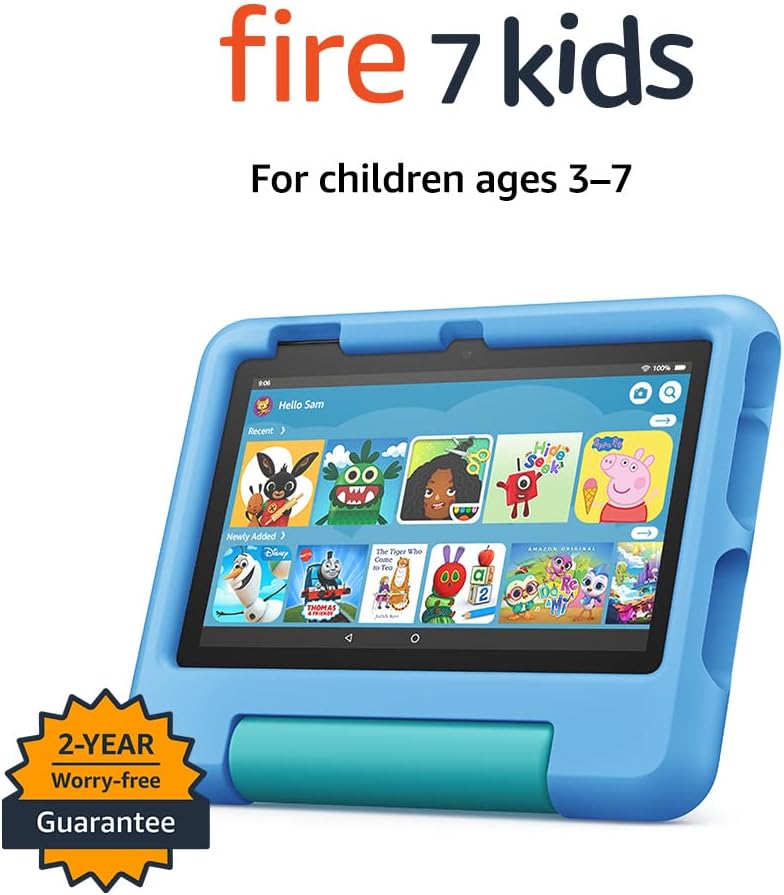
Pair it with a child-safe tablet like the Amazon Fire Kids Edition or kid headphones for focused learning time.
Find it on: https://learn.khanacademy.org/khan-academy-kids/
2. Epic! – Kids’ Books & Reading (Free with Premium Option)
Best for: Ages 3–12
Think of it as a library in your pocket; thousands of picture books, read-alouds, and audiobooks from top publishers.
What makes it great: Kids earn badges for reading streaks, and parents can track progress.
Parent tip: Use during quiet time or bedtime reading.
Find it on: https://www.getepic.com/
3. Starfall Learn to Read (Free with Paid Upgrade)
Best for: Ages 4–8
Recommended by educators worldwide, Starfall helps kids recognize letter sounds and word families through phonics songs and interactive stories.
Science-backed: The app’s method aligns with phonemic awareness research from the National Institute for Literacy.
Find it on: https://www.starfall.com/
4. Reading Eggs (Free Trial, Subscription Model)
Best for: Ages 3–9
A step-by-step reading program built by teachers. Each lesson mixes fun animations with literacy milestones; from sight words to comprehension.
Parent review: “It was the first time my child wanted to ‘read more’ after school!”
Find it on: https://readingeggs.com/
5. ABCmouse (Paid, Monthly Subscription)
Best for: Ages 2–8
ABCmouse remains one of the most comprehensive early learning apps; reading, math, art, and songs all rolled into one safe environment.
Parent-loved features: Progress tracking, interactive quizzes, and a secure space without ads..
Find it on: https://www.abcmouse.com/
How to Use Tech Wisely at Home
Here’s what works in my home and what other parents in our community have shared:
- Create a tech routine: Set 30–45 minutes for educational screen time after school or in the morning on weekends.
- Sit beside them (at first): Your involvement multiplies learning. Ask questions like, “What sound does that letter make?” or “What do you think happens next?”
- Use “Tech Zones”: Keep devices in shared spaces, the living room, dining table, or reading nook.
- Encourage breaks: For every 20 minutes of screen use, encourage 10 minutes of movement or drawing.
- Balance with books: Pair digital reading with real books to strengthen attention and comprehension.
Tools That Encourage Smart & Imaginative Learning
To make tech use more meaningful, here are a few affiliate picks parents love:
- Amazon Fire Kids Tablet – built-in parental controls and a durable case
- Blue Light Glasses for Kids – protect young eyes during learning

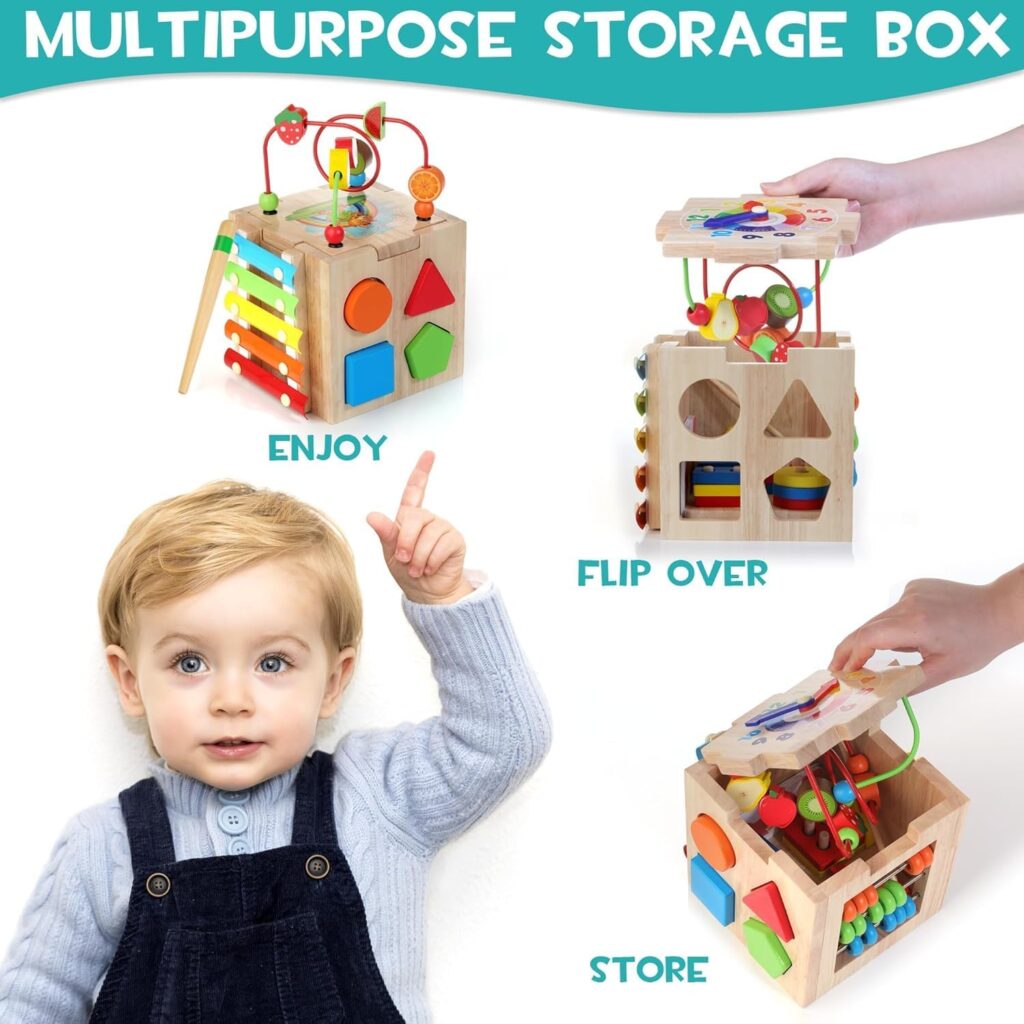
- Montessori Activity Sets – ideal for screen-free play between tech sessions
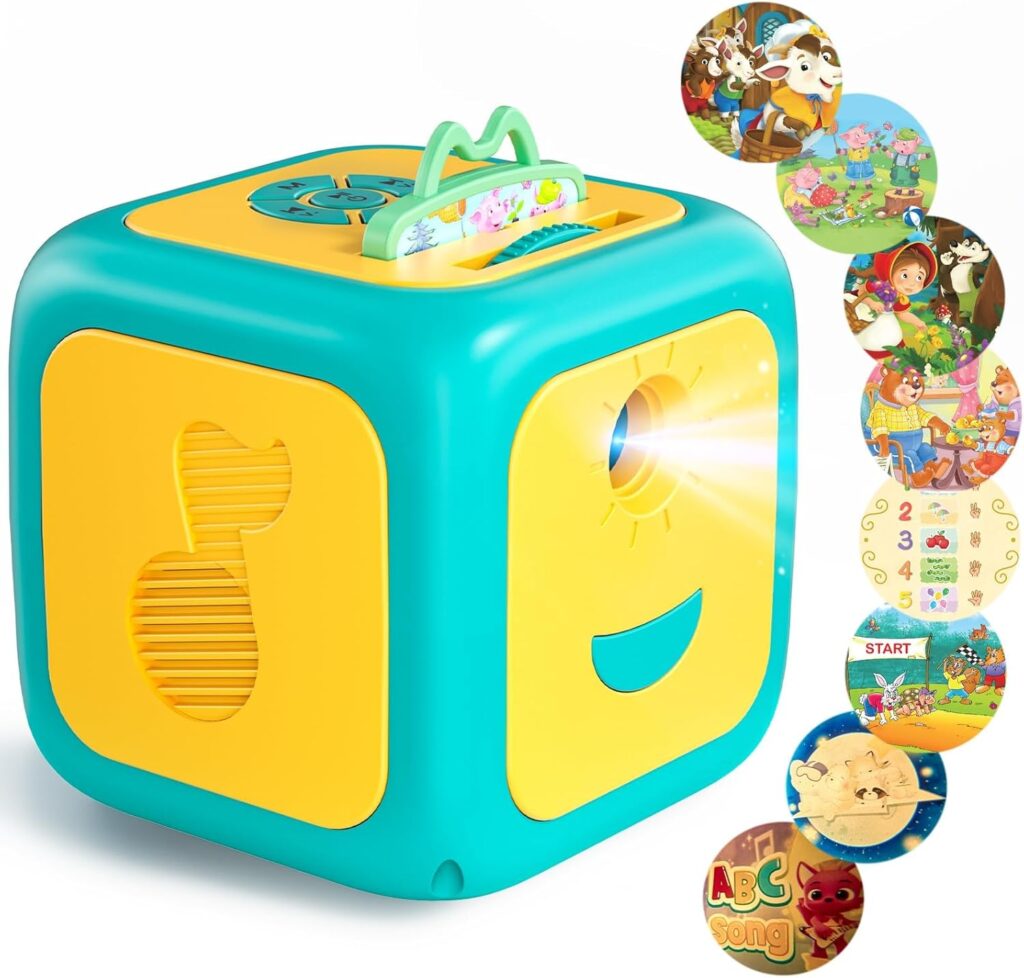
- Storytime Projectors & Lamps – make reading time magical and cozy
Freebie of the Week: Printable Safe Tech Rules for Families
To help you create healthy digital habits, I’ve designed a Printable Safe Tech Rules Chart, a family-friendly guide that makes screen limits easy to remember and follow.

Includes reminders like:
- “Tech Time Ends at 6 PM”
- “No Screens at the Table”
- “Ask Before You Download”
- “Play Outside Before You Play Online”
Comment “INTERESTED” below this blog and share with a parent friend who’s trying to find tech balance at home.
Final Thoughts: Tech as a Tool, Not a Threat
I know the guilt that comes with screen time it’s real. But I’ve also seen the spark in a child’s eyes when they master their first word through a reading app.
When we use technology with love, limits, and learning in mind, it becomes one of the best tools for raising confident, curious readers.
Let’s not fear tech. Let’s teach with it, and raise kids who use technology to learn, create, and connect.
And don’t forget to share this post with another parent or teacher who could use some balanced digital parenting tips this week.