(No Ads, No Risk)
As a parent, handing your child a device can feel like a gamble.
You want them to learn something useful.
Not stumble into ads, random videos, or content you did not approve.
The problem is, most “educational apps” are not really built for learning. They are built to keep children clicking, watching, and asking for more screen time.
So the real question becomes:
Which apps can your child use independently without you constantly checking what they are doing?
This is where trusted, no-ad or low-risk learning apps stand out. They give your child space to explore, learn, and build confidence without exposing them to distractions or unsafe content.
This guide focuses on exactly that. Practical, safe, parent-approved apps that children aged 6 to 10 can use with minimal supervision.
What You Will Learn in This Post
- What makes a learning app safe for children
- The best free learning apps with no ads or controlled environments
- How to use apps for independent learning without over-reliance
- Simple tools to support learning beyond screens
- A free 30-day times tables plan to build consistency
What Makes a Learning App Safe and Worth Using?
Before downloading anything, it helps to know what you are actually looking for.
A good learning app for children should:
- Have little to no ads
- Avoid in-app purchases that interrupt learning
- Be age-appropriate and structured
- Encourage thinking, not just tapping
- Allow independent use without constant supervision
If an app feels like a game first and learning second, it usually is.
The best apps feel engaging but still have a clear purpose.
Free Learning Apps Parents Actually Trust
These are widely used, well-reviewed, and built with children’s learning in mind.
1. Khan Academy Kids
This is one of the strongest free learning apps available.
It covers reading, maths, problem-solving, and early logic skills in a structured but engaging way. The content adapts to your child’s level, so they are not overwhelmed or bored.
Why parents trust it
No ads. Completely free. Designed by education experts.
Best for
Ages 4 to 8, but still useful for early learners up to 10 who need reinforcement.
2. BBC Bitesize
A reliable UK-based resource aligned with the national curriculum.
It offers short lessons, videos, quizzes, and explanations across subjects like maths, English, and science.
Why parents trust it
Backed by the BBC. No random content. Clear structure.
Best for
Children aged 6 to 10 who need support with school topics.
3. Duolingo
While known for languages, Duolingo works well for children because it turns learning into small, manageable steps.
It builds consistency and routine, which is often more important than intensity.
Why parents trust it
Simple interface, controlled learning path, no unsafe content.
Best for
Children learning basic Spanish, French, or other languages.
4. Teach Your Monster to Read
A phonics-based app that helps children build reading confidence through structured play.
It feels like a game, but the learning is very intentional.
Why parents trust it
Developed with educators. Strong phonics foundation.
Best for
Early readers or children who need extra reading support.
5. Prodigy Math Game
This is one of the few maths games that actually balances engagement and learning.
Children solve maths problems to progress in a game-style environment.
Why parents trust it
Curriculum-aligned maths questions. Progress tracking for parents.
Best for
Children who struggle with maths motivation.
How to Use Learning Apps Without Creating Screen Dependency
This is where most parents get stuck.
The goal is not to replace learning with screens. It is to support it.
A simple structure works best:
- 15 to 20 minutes of app-based learning
- Followed by offline practice or discussion
- Keep usage consistent, not excessive
For example, if your child uses a maths app, follow it up with:
asking them to explain what they learned
or doing a quick real-life example together
This reinforces learning properly.
Tools That Support Learning Beyond Apps
Apps are helpful, but real learning still needs hands-on support.
These tools complement what your child learns digitally and help build deeper understanding.
Times Tables Flash Cards
Simple and effective for repetition and memory building. These help children move from recognition to recall, which is essential for maths confidence.

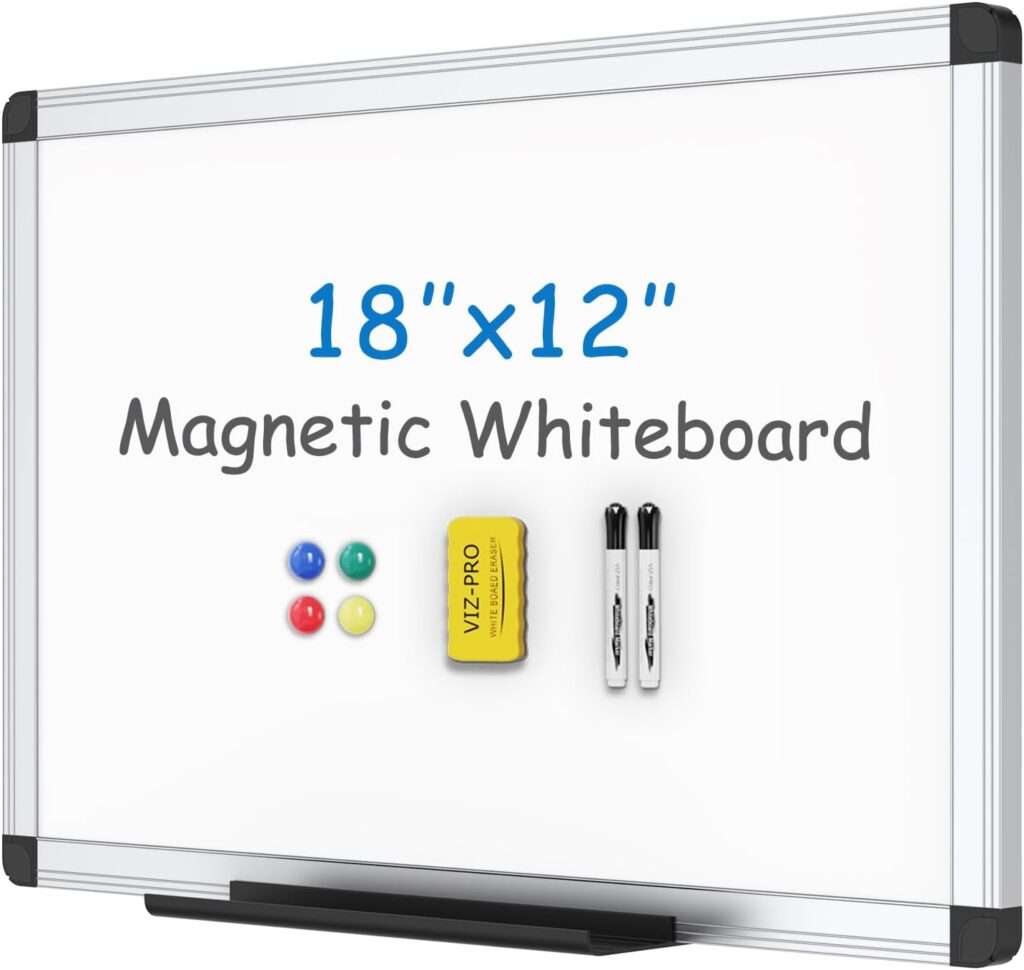
Dry Erase Learning Boards
These allow children to practise repeatedly without wasting paper. Ideal for maths, spelling, and quick corrections.
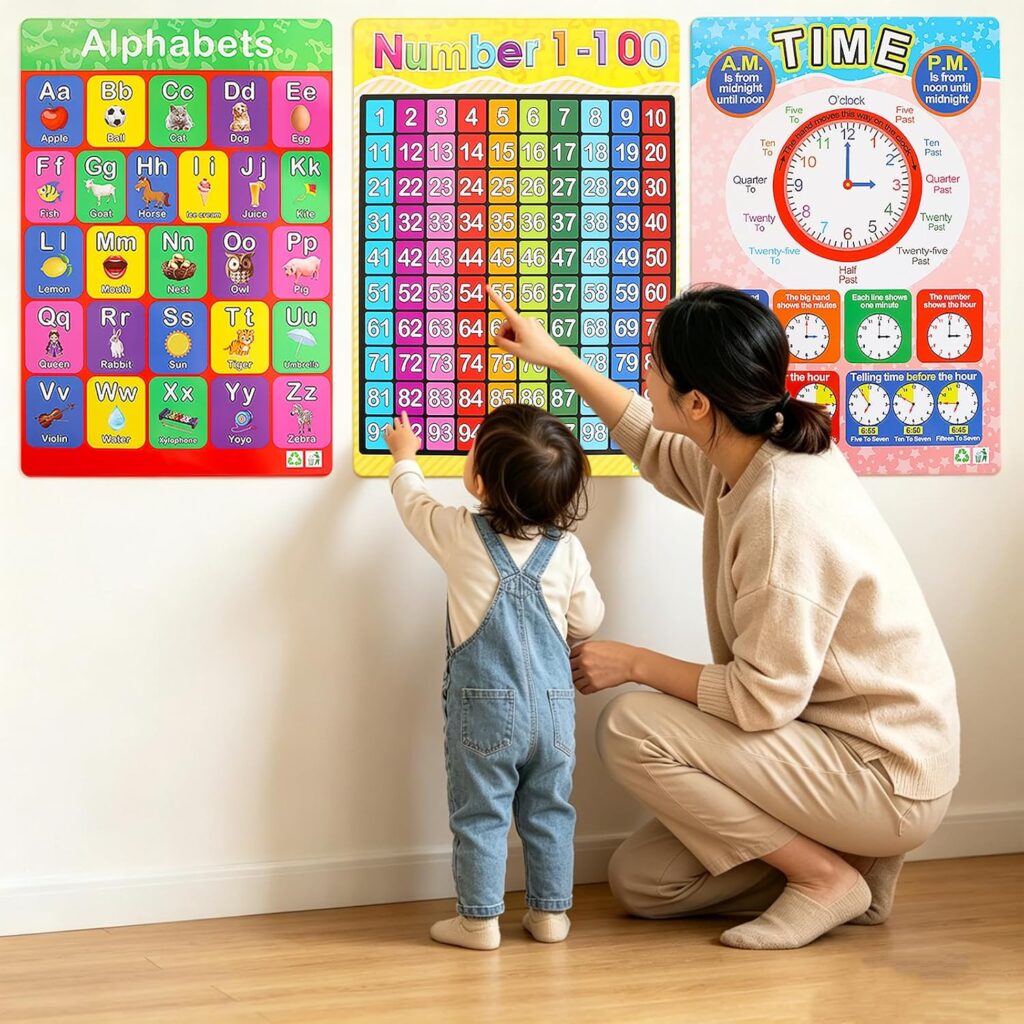
Children’s Educational Wall Charts
Visual reminders placed in everyday spaces help reinforce learning passively. Great for times tables, phonics, and basic concepts.
These provide structured practice away from screens. They help children apply what they learn in apps to real problem-solving.
Reward Chart for Kids
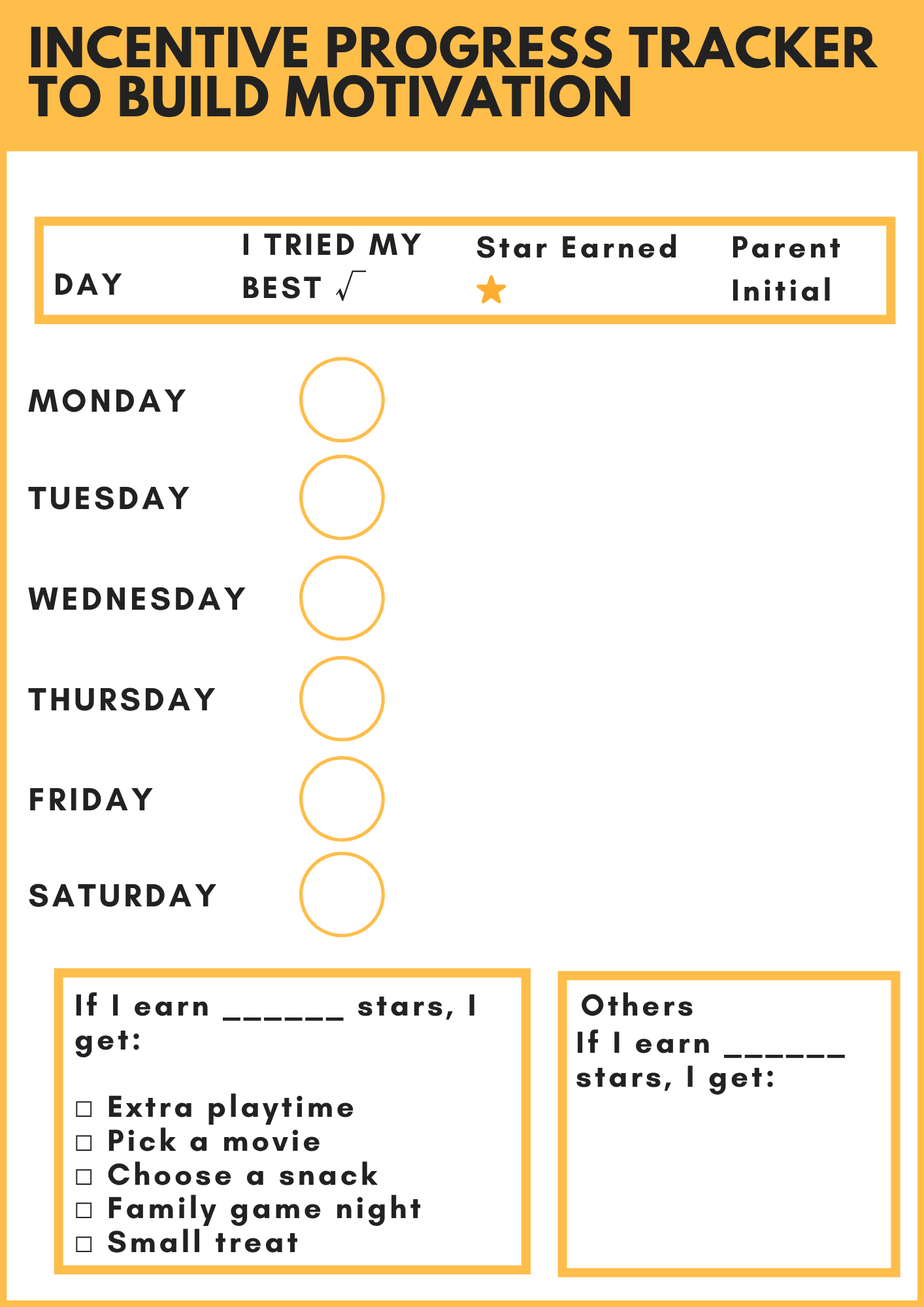
Consistency is one of the hardest parts of independent learning. A simple reward system builds routine and motivation without pressure.
![Smart Panda Magnetic Reward Chart – [300 Stars, 80+ Tasks, 1-3 Kids] Star Chart for Children - For Responsibility, Routine, Potty Training, Good Behaviour](https://raisingsmiles.co.uk/wp-content/uploads/2026/04/81Nx3ByvuVL._AC_SL1500_-1024x1024.jpg)
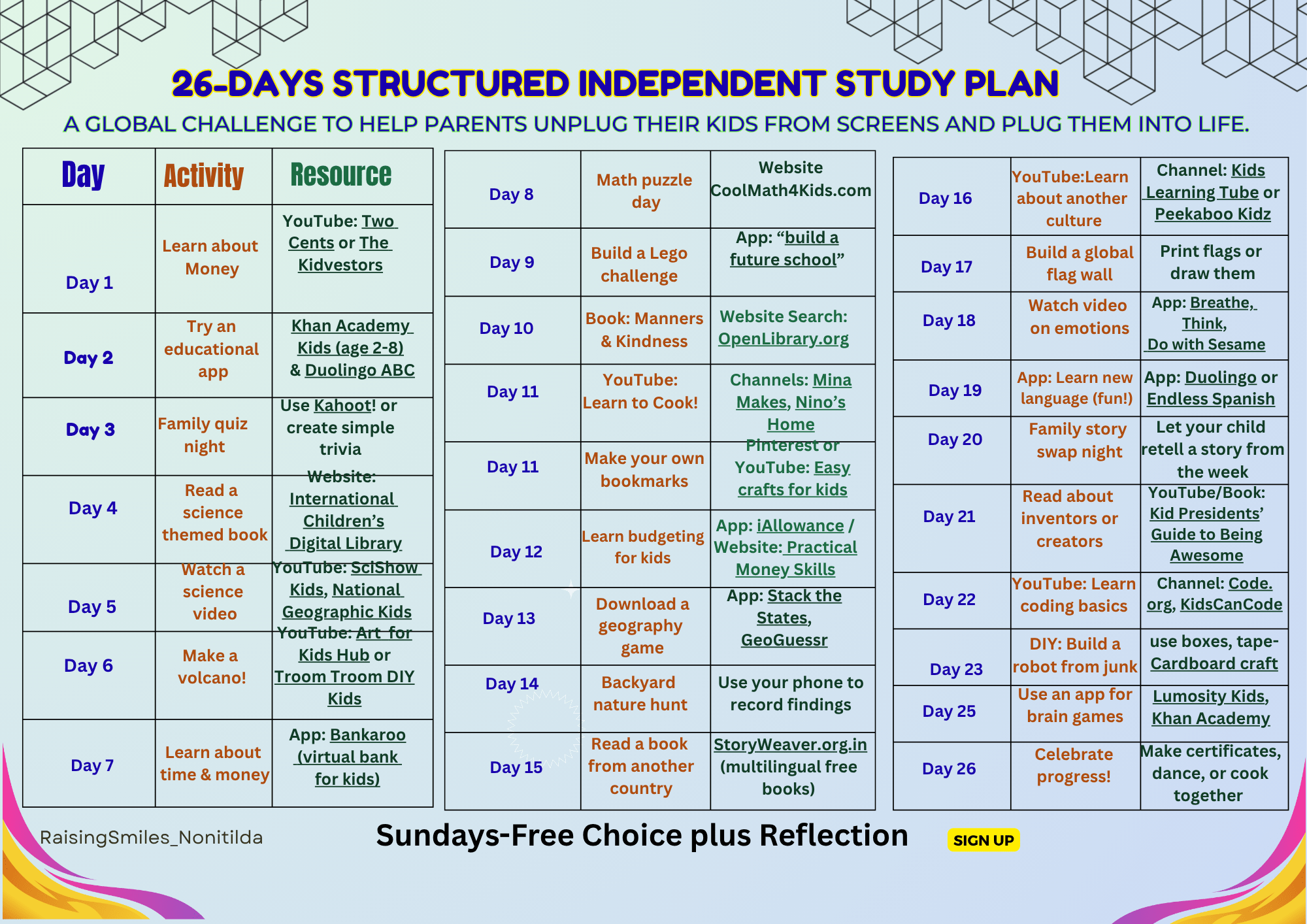
Free Printable: 30-Day Structured Independent Study Plan
If you want your child to actually improve, consistency matters more than anything else.
This printable is designed to help children build confidence with times tables in a simple, manageable way.
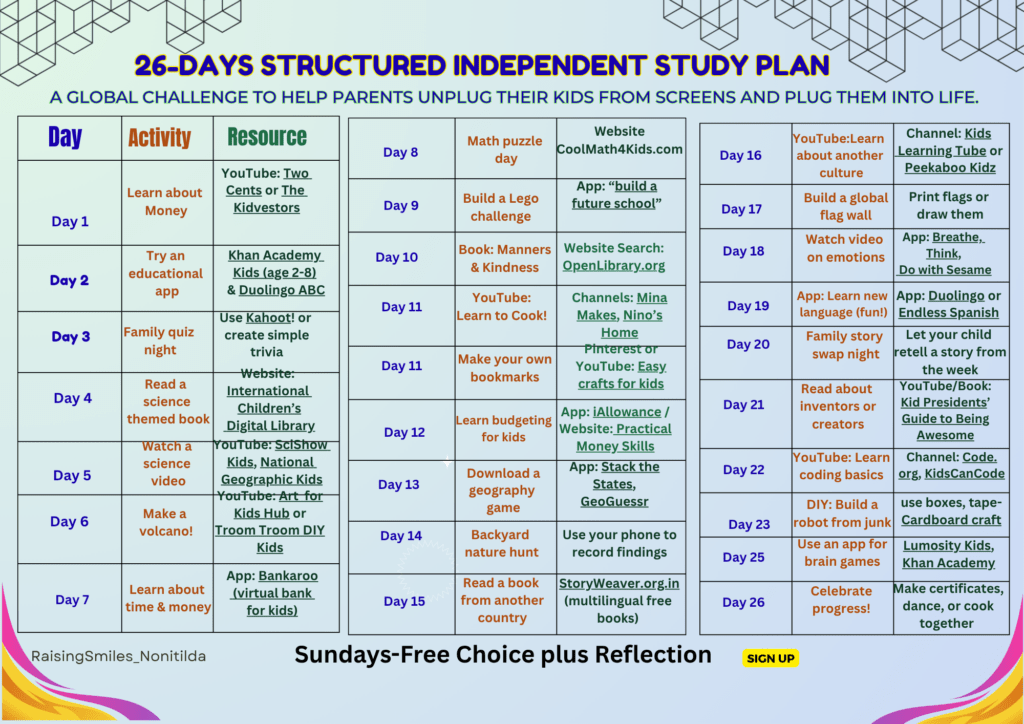
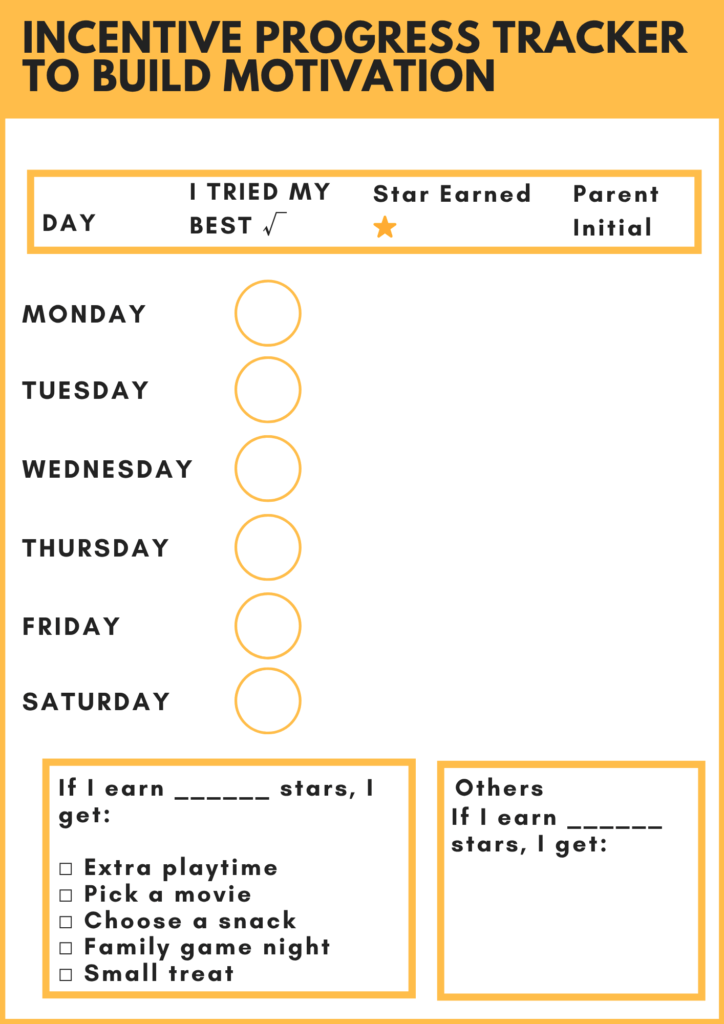
- Simple, child-friendly layout for independent use
How to Use It
- Print and keep it visible
- Let your child tick off each day
- Keep sessions short and consistent
- Combine with one of the apps or flashcards
This works because it removes overwhelm and builds routine.
Download your free 30-day times tables plan here
Final Thought
You do not need dozens of apps or complicated systems to support your child’s learning.
What actually works is simple:
- safe tools
- consistent routines
- and a balance between digital and real-world learning
The apps listed here are not just popular. They are practical, safe, and genuinely useful when used properly.
And when combined with simple offline tools and a clear routine, they can make a noticeable difference in your child’s confidence and ability.
That is the real goal.
Not just more screen time.
But better learning.